
When I planned my trip to Hawaii, I wanted to figure out the easiest way to get around the islands without renting a car.

Rideshare apps like Uber, Lyft, and Holoholo make it easy for me to connect with local drivers anywhere from Honolulu to Maui and beyond. With just a few taps on my phone, I can request a ride to all the main attractions, beaches, and airports.
I find rideshare apps especially useful in busy areas like Waikiki or downtown Honolulu, where parking is tough. Downloading the right app before I arrive saves me time and makes transportation easy.
If I want to avoid price surges and support local drivers, I use Holoholo since it’s designed just for Hawaii and covers Oahu, Maui, Kauai, and the Big Island. Each app has its own perks, and learning to use them helps my Hawaiian adventure go smoothly.
Getting Started With Rideshare Apps in Hawaii
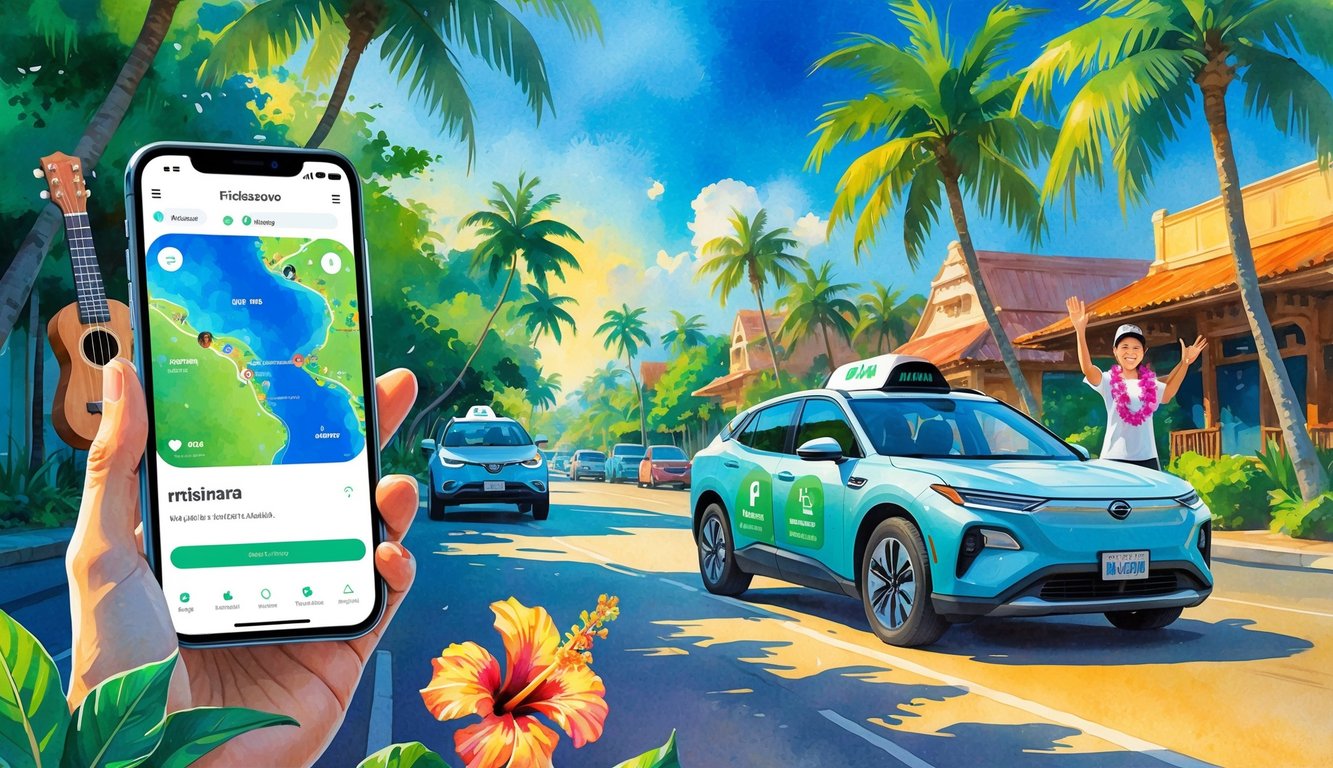
I find using rideshare apps in Hawaii easy and practical. Rideshare services give me a flexible way to get around, especially compared to taxis or waiting for public buses.
Downloading and Setting Up Rideshare Apps
First, I download the rideshare app I want for my visit. In Hawaii, Uber and Lyft are popular, and there’s also a local option called holoholo.
I go to the Apple App Store or Google Play Store, search for the app, and tap install. After the download, I register an account using my phone number, email, and a password.
I add my payment method, usually a credit card or Apple Pay. Most apps ask for my location to help find nearby drivers.
Before my first ride, I check safety and payment settings. I make sure my contact details and payment info are up to date.
Comparison to Traditional Taxis
Using a rideshare is usually more convenient for me than a taxi. With a rideshare app, I can see the driver’s details and track the car on a map.
I don’t need to flag a car from the street or call ahead. Rideshare apps show me the fare estimate before I agree to a ride, while taxi meters keep running so I don’t know my cost until I arrive.
Paying in the app is easy, and I don’t need to worry about cash or waiting for a credit card receipt.
Choosing the Right Transportation Option
My choice between a rideshare app, a taxi, or another option depends on where I am and what I need. Rideshare apps like Uber, Lyft, and holoholo are easy to use around Honolulu and Waikiki, but they might not always be available in more remote places.
If I stay out late or need a car during peak times, I check prices because rates can rise when demand is high. Sometimes, I try Hui Car Share for hourly rentals, which work well for trips outside busy zones.
For shorter trips or crowded times, rideshare is my go-to for convenience and speed.
Popular Rideshare Services in Hawaii
Hawaii offers several rideshare options. Some services are available on all major islands, while others are unique to Hawaii or focused on local needs.
Uber
When I visit Hawaii, I see Uber on all the main islands, especially in popular spots like Honolulu, Waikiki, and Maui. I just need the app on my phone to request a ride at any time.
Uber responds quickly, especially around airports and city centers. Uber prices depend on demand and traffic, but the fare shows up before I confirm my ride.
Cashless payment makes it easy, so I never worry about carrying extra money. Uber offers different car types, including larger vehicles for groups or travelers with lots of luggage.
I find the app simple to use and like features such as live tracking of my driver’s location. For more info on Uber in Honolulu, check out this Uber guide for Honolulu.
Lyft
Lyft works much like Uber and is available in Honolulu, Waikiki, and other major locations across Hawaii. I see both locals and tourists using Lyft because it’s easy to book and reliable in busy areas.
I like Lyft’s clear pricing and short wait times in city areas. The app lets me compare fare options before I choose.
I can also select from standard rides, bigger cars for groups, or luxury vehicles. All payments go through the app, so I never have to tip in cash.
From my experience, Lyft is a good backup if Uber prices are high or rides are hard to find. For more details, see this guide to Honolulu rideshare services.
Holoholo
Holoholo is a locally owned rideshare service only found in Hawaii. I like supporting Hawai‘i-based companies, and Holoholo lets me do that while getting where I need to go.
The app works just like Uber or Lyft, so I can book a ride using my phone and track my driver. Holoholo operates on Oahu, Maui, Kauai, and the Island of Hawaii.
Tourists and locals use Holoholo for quick trips, airport transfers, or longer rides across the island. Holoholo avoids surging prices during busy times, making rides more predictable.
The company works with independent drivers and supports the community. If you want a rideshare unique to Hawaii, this is a great choice. Learn more from this Holoholo guide.
Ola
Ola is a global rideshare company, but Ola does not operate in Hawaii right now. I’ve used Ola in other countries and found it useful, but in Hawaii, it’s not an option.
Instead, I use Uber, Lyft, or Holoholo to get around the islands. If Ola ever launches in Hawaii, I expect it would work like it does elsewhere—with app-based booking and different ride choices.
Using Rideshare Apps at Hawaii Airports
Rideshare apps make it simple for me to get to and from airports in Hawaii. Each island and airport has its own rules, pickup spots, and options, so I check what to expect before I book a ride.
Honolulu Airport Pickup and Drop-off
When I use a rideshare app at Honolulu Airport (Daniel K. Inouye International Airport), I follow signs to specific pickup and drop-off spots. After I land and get my bags, I open the app to request a ride.
The Uber or Lyft app shows me the exact pickup location, and I walk to a marked rideshare zone outside baggage claim. If I have trouble finding my driver, I call or message them from the app.
I look for signs at the curb that show where rideshare cars can stop. Only approved areas are allowed, so following the app’s info helps me get picked up smoothly.
If I don’t see my car, staying in the pickup zone helps my driver spot me quickly. For more details, I use tips from Uber at HNL.
Navigating Daniel K. Inouye International Airport
At Daniel K. Inouye International Airport in Oahu, the airport is big and can be confusing. There are multiple terminals, and each one has its own pickup location for Uber and Lyft drivers.
The app tells me which terminal to go to, and signs around the airport guide me to the right spot. If I’m with family, I check the car size so everyone fits with our luggage.
The Uber airport guide for Honolulu has step-by-step instructions and photos, so I know what to look for. If I can’t find my driver, I contact them right from the app.
Airport Transportation Options on Neighbor Islands
Maui, Kauai, and the Big Island also have rideshare options, but they can be different from Oahu. At Kahului Airport (OGG) in Maui, rideshares like Uber and Lyft are allowed for pickups and drop-offs.
I walk to the rideshare pickup zone, which is easy to spot outside baggage claim. On the Big Island and Kauai, rideshare services work best in busy towns.
If I land in a smaller or remote airport, there might not be cars nearby. Sometimes, I schedule a ride ahead of time with other airport transportation companies such as holoholo to make sure I have a ride.
If I plan to visit remote attractions, I don’t rely only on rideshare apps for the trip back. Not every area has many drivers, so planning ahead saves me from waiting.
Booking Your Ride
Using rideshare apps like Uber, Lyft, or holoholo in Hawaii is simple and convenient. I focus on choosing my pickup spot, tracking my ride, and knowing how prices and fees work.
Selecting Your Pickup Location and Destination
When I open the app, I enter my pickup location first. I can let the app find my spot using GPS or type in an address.
If I’m at the airport, there are special pick-up zones marked for rideshares at places like Daniel K. Inouye International Airport. This makes it easier for the driver to find me since they go to those designated areas.
Next, I set my destination. I double-check the address to make sure it’s right so the driver knows where to go.
Most apps show me a map so I can check if the pin is in the right place. If I have a big group, I pick a service like uberXL for a larger vehicle.
Ride Tracking and Wait Times
After I book a ride, the app gives me real-time updates. I see my driver’s name, their car model, and license plate.
The map lets me follow the car as it heads to my pickup spot. I get an estimate for when they’ll arrive, so I know when to go outside.
Rideshare wait times in Waikiki, Downtown Honolulu, and other busy spots are usually quick. In some places or during high-demand times, I might wait longer.
I always check the car and driver details before getting in to stay safe. Most apps let me share my ride status with friends or family for added peace of mind.
Understanding Pricing and Fees
Every ride includes a base fare and a booking fee. This booking fee is a small extra charge.
During busy times like early evenings or weekends, prices may increase. More people book rides during these times, which causes surge pricing.
The app shows the total cost before I confirm my ride. If I pick a larger car like uberXL, I pay a higher fare because these vehicles fit more people and luggage.
The rideshare company takes a commission from the fare. I pay through the app and do not need cash.
If I want to tip, I can add it at the end of my trip. Before booking, I check the full pricing breakdown to avoid surprises.
For more details on local rideshare options, I use guides like the one at Waikīkī Beach Stays.
Exploring Popular Destinations With Rideshare
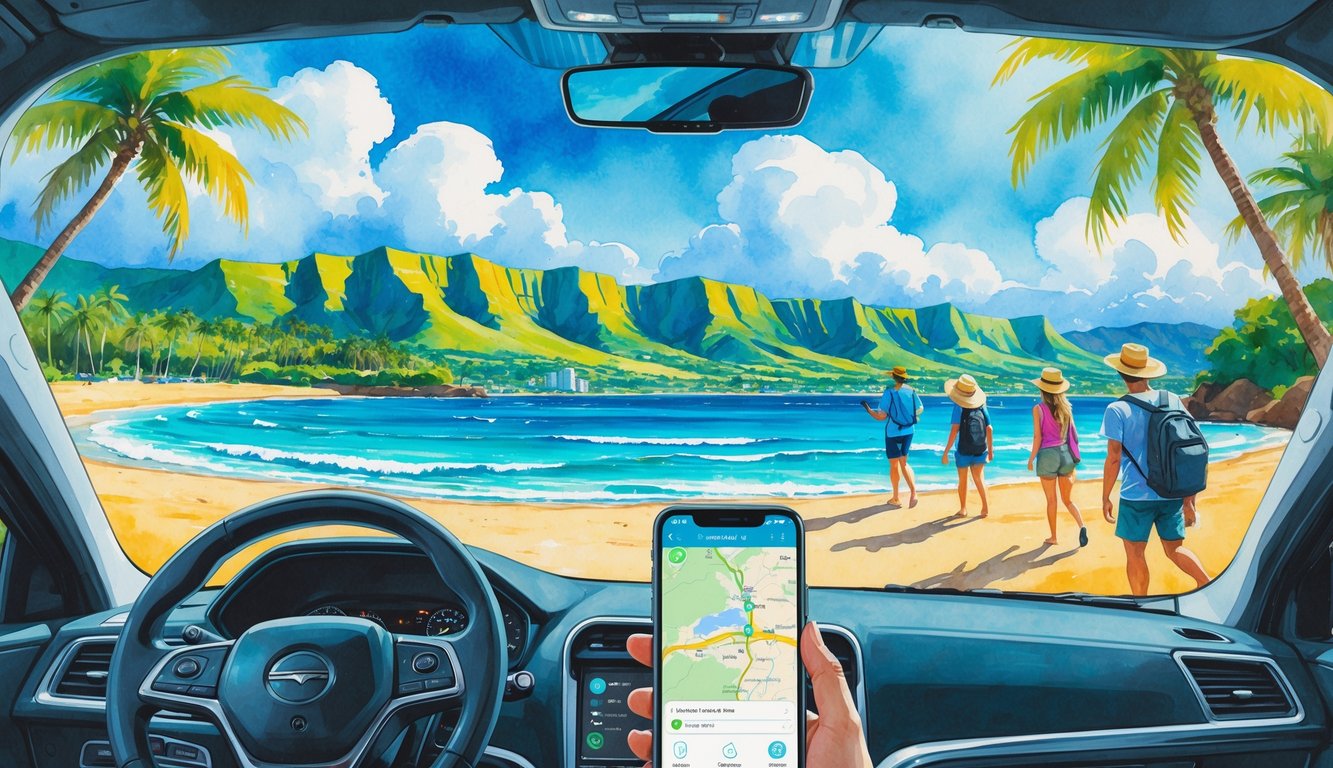
In Hawaiʻi, rideshare apps make it easy to move between city spots and beach neighborhoods. I can reach top attractions and shopping areas without worrying about parking.
Waikīkī and Ala Moana
Waikīkī is popular with locals and tourists. Rideshare pickups and drop-offs are simple here.
Drivers know the main hotels, beach access points, and busy streets. I can ask for a drop-off at places like the Royal Hawaiian Center, the Honolulu Zoo, or Kūhiō Beach.
Ala Moana is less than ten minutes from Waikīkī by car. Rideshare helps me shop at Ala Moana Center or walk at Ala Moana Beach Park.
I do not need to search for parking. Many drivers know how to avoid traffic along Ala Moana Boulevard and Kalākaua Avenue.
This local knowledge is helpful if I am in a hurry. Apps like Uber or holoholo show fares upfront and let me track my driver in real time.
North Shore and Kapahulu
The North Shore has famous surf beaches like Waimea Bay and Sunset Beach. Rideshare makes it easy to visit without renting a car.
The drive from Honolulu is long, so I plan my rides ahead, especially during surf competitions. Drivers often take me to Haleʻiwa for shaved ice or shrimp plates.
On busy weekends, rideshare means I skip the search for parking. Kapahulu is close to Waikīkī but feels different.
Drivers can drop me at local food spots like Leonard’s Bakery for malasadas. Rideshare lets me enjoy the area and get back to my hotel safely.
Kailua and Pearl Harbor
Kailua has beautiful beaches and a relaxed atmosphere. Rideshare is a good choice if I want to visit both Lanikai Beach and Kailua Town.
Some drivers know the best drop-off spots for the beach or brunch places. Getting to Pearl Harbor with rideshare is simple.
Public parking at Pearl Harbor fills up quickly, especially in the morning. If I have a tour, I book my ride early to arrive on time.
Many rideshare apps let me schedule rides or pick bigger cars for groups. This makes trips to historic sites like the USS Arizona Memorial easy.
Some drivers share local tips about other places to see along the way.
Safety and Security When Using Rideshare
Rideshare apps help me get around Hawaii. I keep my safety and the environment in mind.
Checking my driver, staying alert, and choosing eco-friendly rides are important steps.
Staying Safe During Your Ride
I wait for rides in busy, well-lit places. I let a friend or family member know when I’m using a rideshare by sharing my trip status.
Many services have built-in tools so I can share my trip details if I feel uneasy. I avoid sharing personal details like my home address with the driver.
If I feel uncomfortable, I use the emergency button in the app or call for help. I stay aware of my surroundings and keep my phone handy.
Before entering, I check the car’s license plate and driver’s photo.
I always sit in the back seat.
I use the seatbelt in every ride.
Driver and Vehicle Verification
Before getting in, I match the license plate, driver’s name, and photo in the app to what I see. This step keeps me from entering the wrong car.
Both the NHSA and security experts recommend that the driver asks for my name. I never assume it’s my ride until I check all details.
Some apps show the car’s make and model. If anything does not match, I cancel and request another ride.
I avoid sharing travel plans or my phone number with drivers. This protects my privacy.
Low-Emission Rides and Sustainability
When possible, I choose a low-emission or electric rideshare vehicle. Many apps let me pick these cars with green icons or labels.
Low-emission rides help reduce harmful gases in the air. Some services tell me the car’s fuel type or carbon footprint before I confirm.
This makes it easy to support sustainable travel. I avoid unnecessary detours or long routes to save fuel.
Choosing the shortest route keeps my ride efficient and eco-friendly.
Alternative Transportation in Hawaii
When I want to get around Hawaii without using a rideshare app, I have several options. I can take a taxi, rent a car, or use public transportation like TheBus.
Traditional Taxis
I find taxis easy to hail at airports, hotels, and busy tourist spots. Most taxis use meters, so the fare depends on distance and time.
In Honolulu, companies like Honolulu Taxi Service let me book by phone or online. Taxis work well for late-night travel or when rideshare prices surge.
For groups, I can request a larger taxi or van. Taxi drivers know the islands well, which helps me feel safe.
Taxis may cost more than some rideshare trips, but they are always available, even in areas with few rideshare cars. For more local tips, I check Honolulu Taxi Service.
Car Rental and Renting a Car
Renting a car gives me freedom to explore at my own pace. I find rental counters at all major airports and in tourist towns.
I book early, especially during busy seasons, because cars can run out. Having my own car helps me visit remote beaches or places without public transit.
Parking in cities like Honolulu can be tough. I watch for paid or street parking.
Some rental companies offer deals for Hawaii residents or longer rentals. I prefer renting a car if I want to visit several places in one day.
Public Transportation and TheBus
When I want an affordable way to get around, I use TheBus. It serves Oahu with many routes and frequent service.
I pay with cash or a HOLO card. Apps help me track arrivals and plan transfers.
TheBus is reliable for trips to beaches, malls, and some tourist attractions. On other islands, public transit is limited, but I check for local bus options.
The ride may take longer than driving, but I save money and skip the hassle of parking. Riding public transit lets me see more of local life and the scenery.
To plan easier, I use smartphone apps recommended by Hawaii Star.
Tips for Maximizing Flexibility and Travel Plans
When I use rideshare apps in Hawaii, I focus on timing, prices, and local demand. Smart choices help me avoid high fees and keep my travel plans on track.
Planning Ahead for Peak Times
Peak times in Hawaii can get busy, especially in tourist spots like Waikiki or near the airport. I check local events and festivals because these can cause longer wait times and higher fares.
Planning my rides before busy times saves me time and stress. I use the app’s schedule-a-ride feature when I need to be somewhere at a set time.
This helps me get a ride during busy periods. If I am flexible, traveling outside rush hours or late at night means faster pickups and lower prices.
I check the app’s map to find areas with many available drivers. Sometimes, I walk a block or two to a less crowded pickup spot to reduce my wait.
Managing Costs and Finding Deals
Surge pricing often happens in Hawaii when demand is high and few drivers are available. Fares can be much higher than usual during these times.
I avoid surge pricing by waiting a few minutes for demand to drop. I also check for price alerts in the app.
I compare prices between different rideshare apps before booking. Sometimes, Uber costs more than Lyft, or the opposite.
I look for promo codes or referral bonuses. Companies and travel blogs often share these deals.
Many rideshare apps let me split fares with friends, making group trips cheaper. For longer rides between different parts of the island, I check fixed-route shuttles or public transport, since these options can cost less than on-demand rides.


